Send your base's corrections to the drone through the Emlid Caster
The Emlid Caster is Emlid's free NTRIP service. Your base sends its corrections up to it over the internet, and the drone controller and your rover pick them up from it. Every point the drone and rover collect then ties to the same base.
- Free, and works worldwide
- Base credentials in the base; the same rover credentials in the GNSS rover and the drone
- Works with any RTK drone that accepts NTRIP corrections
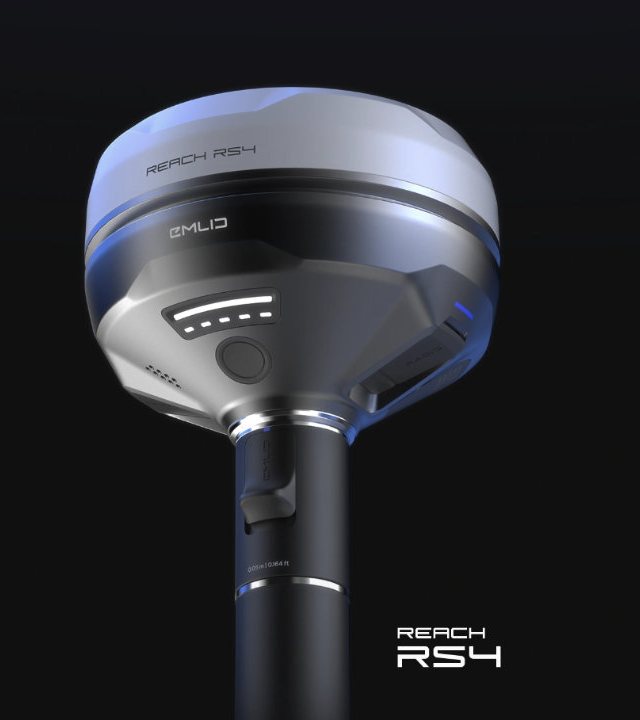
Emlid Caster, step by step.
Do this after your base is set up and your targets are surveyed, just before you fly. It is the same whether you run a base and rover or a single receiver as the base. Emlid's own guide is at docs.emlid.com.
Create your free Emlid Caster account
Sign up at caster.emlid.com. An existing Emlid account works. The Caster creates a mount point with two sets of login details: one for the base and one for the rover. Turn the mount point on.
Check: Bookmark caster.emlid.com on your phone. You will check it on every job.
Set up the base correctly
Base on its point, a SIM with data installed, and the base settings assigning the point it is physically sitting on. See the field workflow.
Corrections from a base assigned the wrong point shift everything the drone collects.
Send the base to the Caster, with the BASE login
In Emlid Flow, open the receiver, tap Base output, choose NTRIP and tap Edit. Enter the base details exactly as caster.emlid.com shows them: address, port (usually 2101), username, password and mount point. Save.
New users often swap the logins, or use the same login for both the base and the rover. The base credentials go in the base. The SAME rover credentials go in your GNSS rover and in the drone controller.
Check that the base is online
Open caster.emlid.com on your phone. Your mount point should show the base as Online. If it does not, check the base's internet and the base login before going on.
Check: Base shows Online, and you are sure the base settings are right. Now you are ready to connect the drone.
Connect the drone controller, with the ROVER login
Connect the controller to a Wi-Fi hotspot with internet. In DJI Pilot 2 go to the RTK settings and choose Custom Network RTK. On other brands, use the NTRIP or custom network RTK screen. Enter the rover details from caster.emlid.com: host, port, mount point, username and password.
Use the SAME rover credentials your GNSS rover uses, never the base credentials. Every character counts: the login is case-sensitive, and one wrong letter means no connection.
Confirm RTK FIX, then fly
The drone should reach an RTK FIX within moments and hold it. The Caster page shows your connected rovers. Keep the controller on the hotspot for the whole flight: if the internet drops, the drone loses its corrections.
Check: Keep the base logging. If RTK drops, the log lets you post-process (PPK) the flight.
No internet on site? Use Local NTRIP from the base instead. See both setups →
Emlid Caster questions we get
Is the Emlid Caster free?
Yes. Emlid describes it as free and working worldwide, with up to 5 bases and 10 rovers connected at the same time.
My drone will not connect. What do I check?
In this order: the base shows Online on caster.emlid.com; the controller has internet; you entered the rover login, not the base login, and the base is not using the rover login; and every character matches, upper and lower case.
Does it only work with DJI?
No. Any RTK drone that accepts NTRIP corrections can use the Caster. Emlid documents DJI and Autel setups.
Can my Emlid rover use the same base?
Yes. Your GNSS rover and the drone controller use the same rover credentials, so both work from the same base. Only the base uses the base credentials.
Can't get a FIX?
Call us from the field with the Caster page open and we will work through it with you.