 PERPETUAL OR 1-YEAR LICENSE
MicroSurvey FieldGenius
Field software for your Emlid receiver and your total station. One map screen on Android or Windows, and a perpetual license that is yours to keep.
Or apply with BNC Finance
- Delivered by email: your license key arrives in your inbox, nothing ships
- Works with Emlid Reach RS4 Pro, RS4, RX2, RS3 and RS2
- Same workflow on Android and Windows
- MicroSurvey technical support included
One app for the GNSS rover and the total station. From the first shot to the office.
Your Emlid and your total station
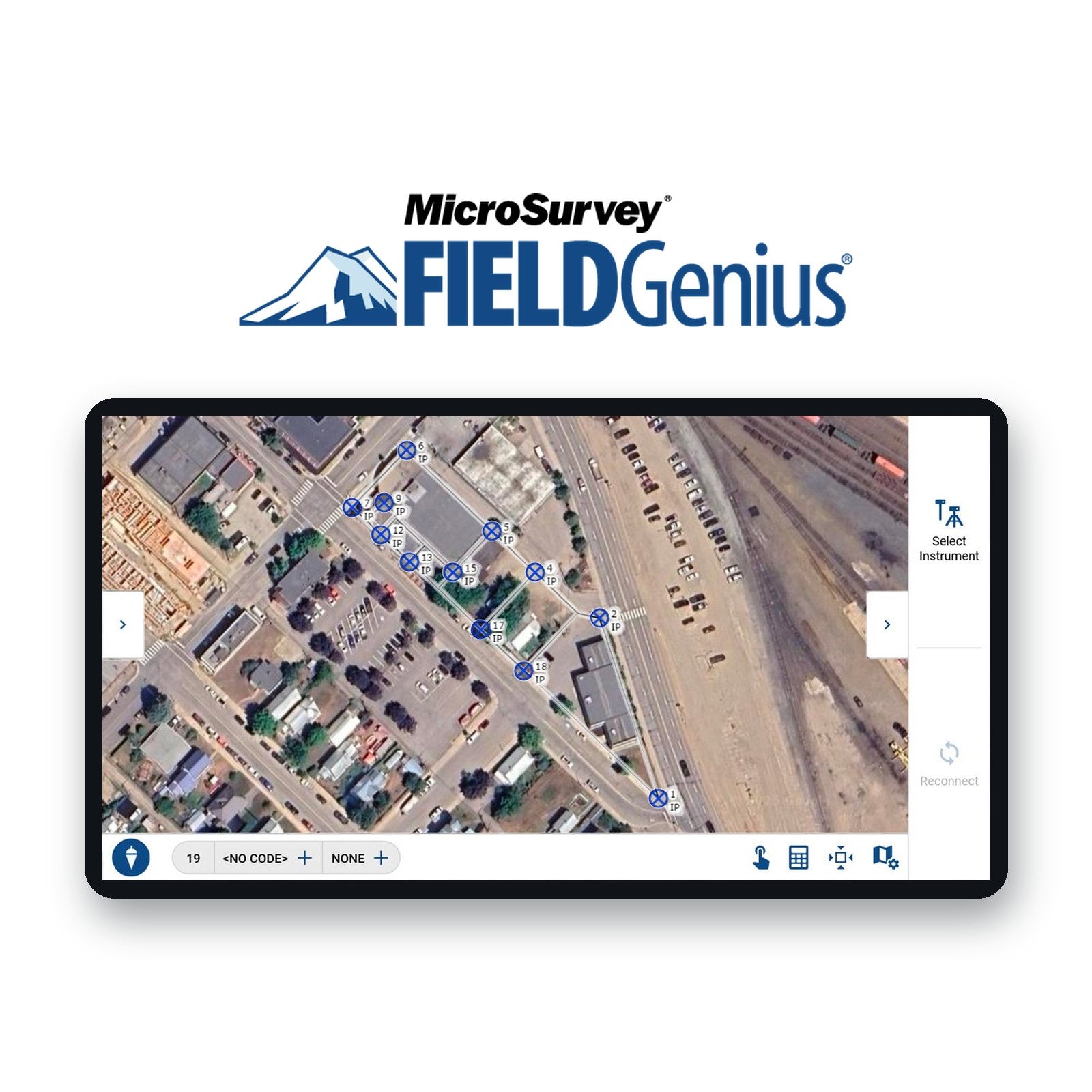
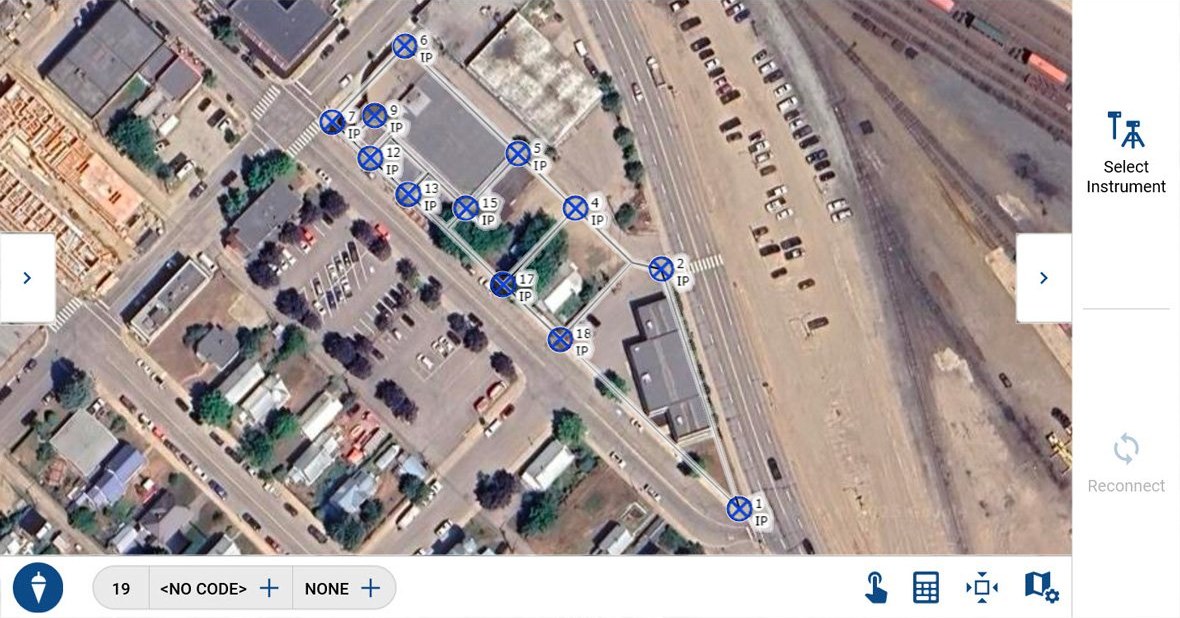
Run a Reach rover on RTK, average a base point, and resect a total station, all from the same map screen.
Points, lines and surfaces
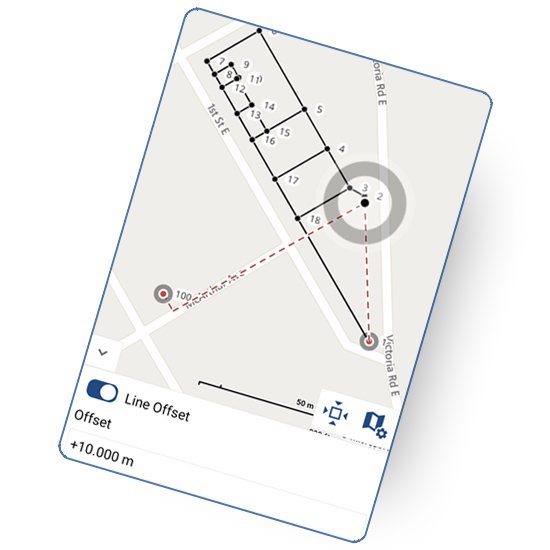
Staking lists with cut and fill on screen, line offsets, and surface staking from a design.
COGO in the field
Intersections, offsets and traverses on the data collector, plus grid-to-ground and local transformations.
From the field to the office
Bring in ASCII points and DXF backgrounds, export KMZ, and print GNSS and traverse reports. Volumes and GIS attributes too.
FieldGenius at work
Three jobs in FieldGenius, sped up to fit.
-
SURFACE STAKING
Cut and fill from the design
Load a design surface, see it on the map as a heatmap, and read the cut or fill on screen as you walk the site.
-
DXF BACKGROUND
Your drawing on the map
Attach a DXF as a background and switch its layers on and off while you work.
-
NETWORK RTK
From float to fixed
Pick an NTRIP mountpoint and watch the rover go from float to a fixed solution. Shown with a Hemisphere receiver; FieldGenius passes network RTK to a Reach the same way.
Video: MicroSurvey

Perpetual or one year. Your choice.
Buy it once and keep it, or start with a year at a lower cost. Either way you get the latest FieldGenius release and MicroSurvey's technical support.
- GNSS and total station in one app
- Curves, arcs and field-to-finish linework
- Surface staking with cut and fill
- COGO, traverse, grid-to-ground
- Works with most receiver brands
- Same workflow on Android and Windows
What it works with
Check your equipment ↓- Emlid receivers
- Reach RS4 Pro, RS4, RX2, RS3 and RS2
- Other GNSS receivers
- Most brands, from Leica and Topcon to CHC, South and Stonex
- Total stations
- Leica, GeoMax, Pentax, South, Kolida and others
- Runs on
- Android and Windows tablets, phones and data collectors
- Brings in
- ASCII point files and DXF drawings
- Sends out
- KMZ for Google Earth, plus project backups
- Reports
- GNSS survey and traverse reports
- Licenses
- Perpetual, or 1 year
What you get
- FieldGenius license, perpetual or 1 year
- The latest FieldGenius release
- MicroSurvey technical support and updates
- Setup help from us by phone
- Answers by phone before and after you buy: (901) 444-0804
Will it work with my equipment?
Pick your brand, then the kind of equipment, to see every model FieldGenius supports and anything to know about it.
Don't see yours? Call us at (901) 444-0804.
Questions we get about FieldGenius
Will it work with my Emlid receiver?
Yes. MicroSurvey lists the Reach RS4 Pro, RS4, RX2, RS3 and RS2 as supported. If you need tilt compensation, call us before you buy and we will tell you where your model stands.
Perpetual or 1-year license: which should I buy?
If you will use it for more than two or three years, the perpetual license costs less. It is one payment, it keeps working, and your first year of maintenance is included. After that, maintenance is optional: renew it with MicroSurvey (currently $310 a year) to keep getting updates and support.
The 1-year license costs less up front and suits a single job or a trial season. Renew it each year to keep using it.
Android or Windows?
Both. FieldGenius is one product for Android and Windows, with the same screens and workflow on each, so your crew can use the tablet or data collector they already have.
Do I need a total station?
No. Plenty of crews use FieldGenius with GNSS only. When a job needs a total station, it connects to the same project.
FieldGenius or Emlid Flow?
Emlid Flow is free for basic point collection and stakeout, and Emlid Flow Pro adds CAD drawings and surface stakeout as a subscription. FieldGenius adds total station support and field COGO, and it comes with a perpetual license. Both run on Reach receivers, and we sell both: see our bundle with Flow Pro and our bundle with FieldGenius.
Can I try it first?
Yes. MicroSurvey offers a free 30-day demo with every feature unlocked. Call us at (901) 444-0804 and we will help you set it up on your receiver.
Do you offer financing?
Yes, through Approve and BNC Finance. Apply online in a few minutes, or use the Finance button above to apply for this item.